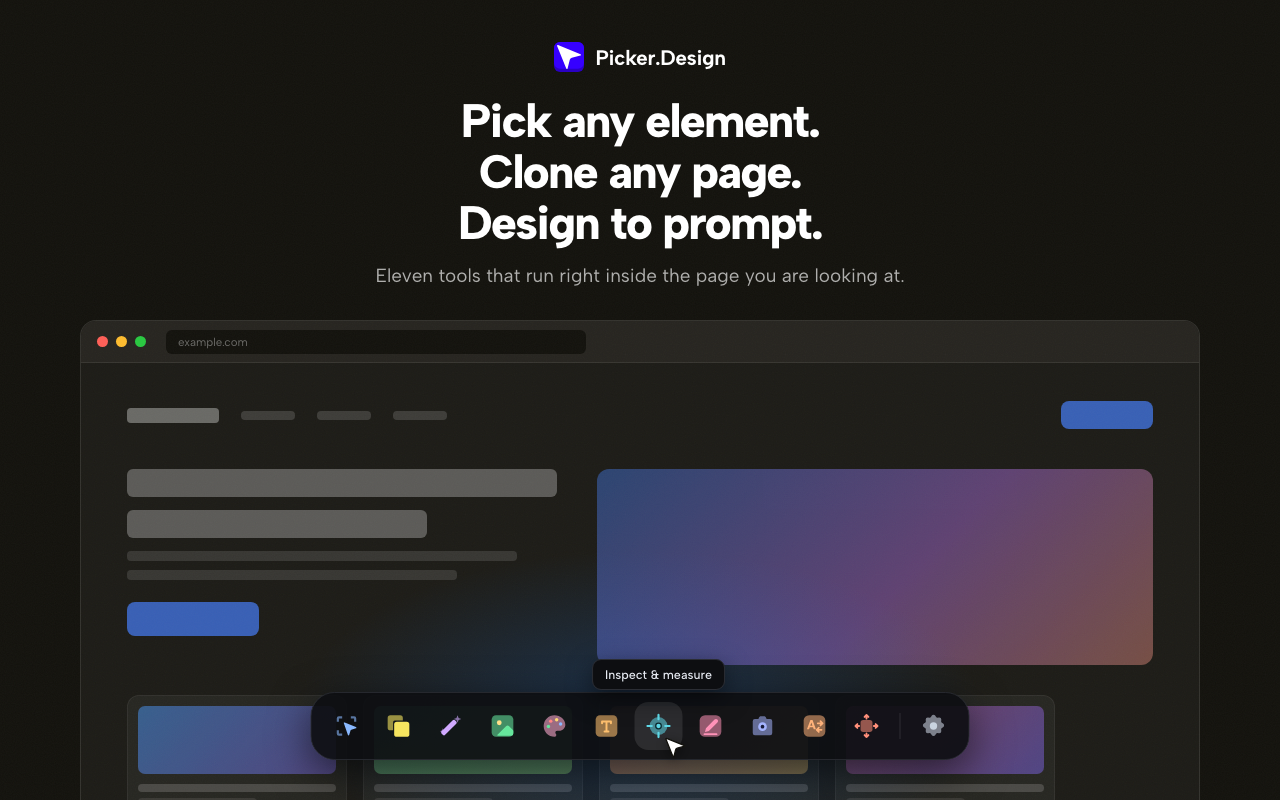
Developers need to copy specific parts of live sites—markup, styles, assets, colors, fonts—without manual inspection or juggling multiple tools. Picker.Design consolidates these extraction steps into a single local extension, removing the need for server‑side scraping or copy‑pasting.
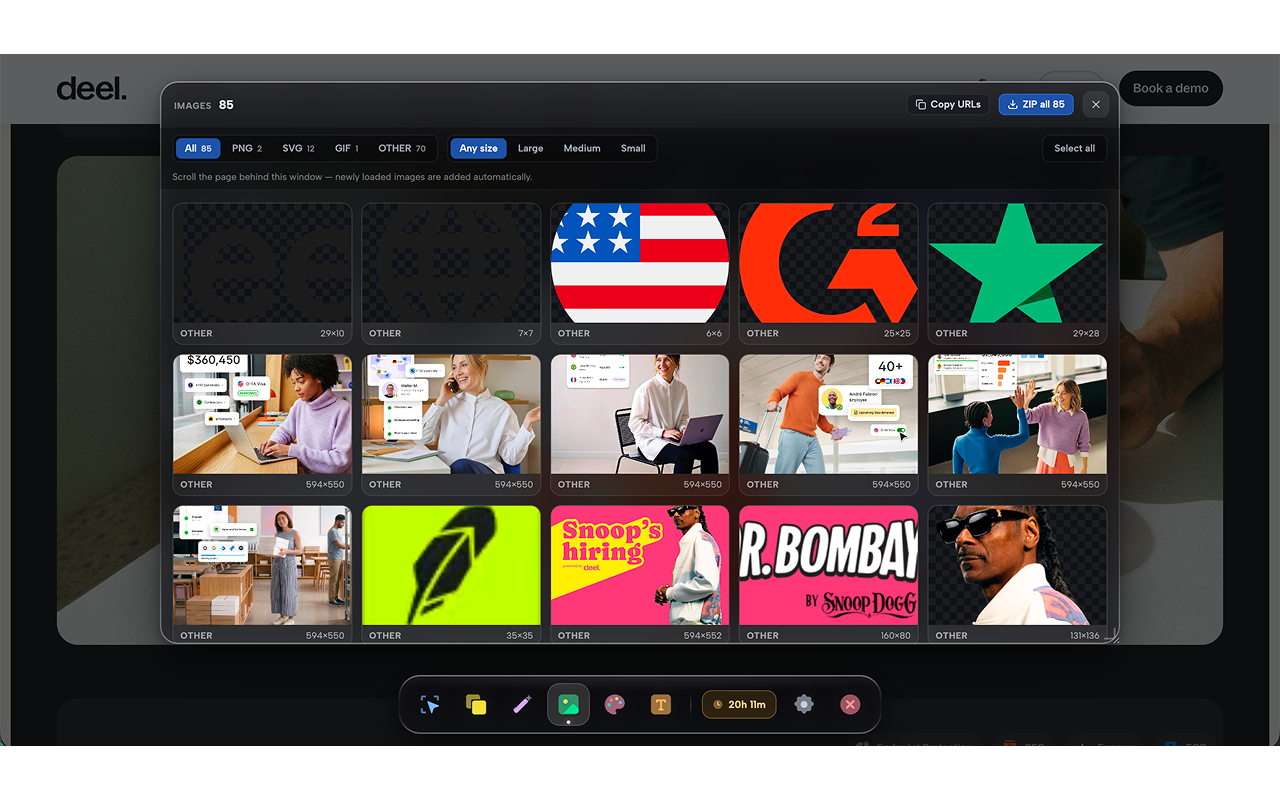
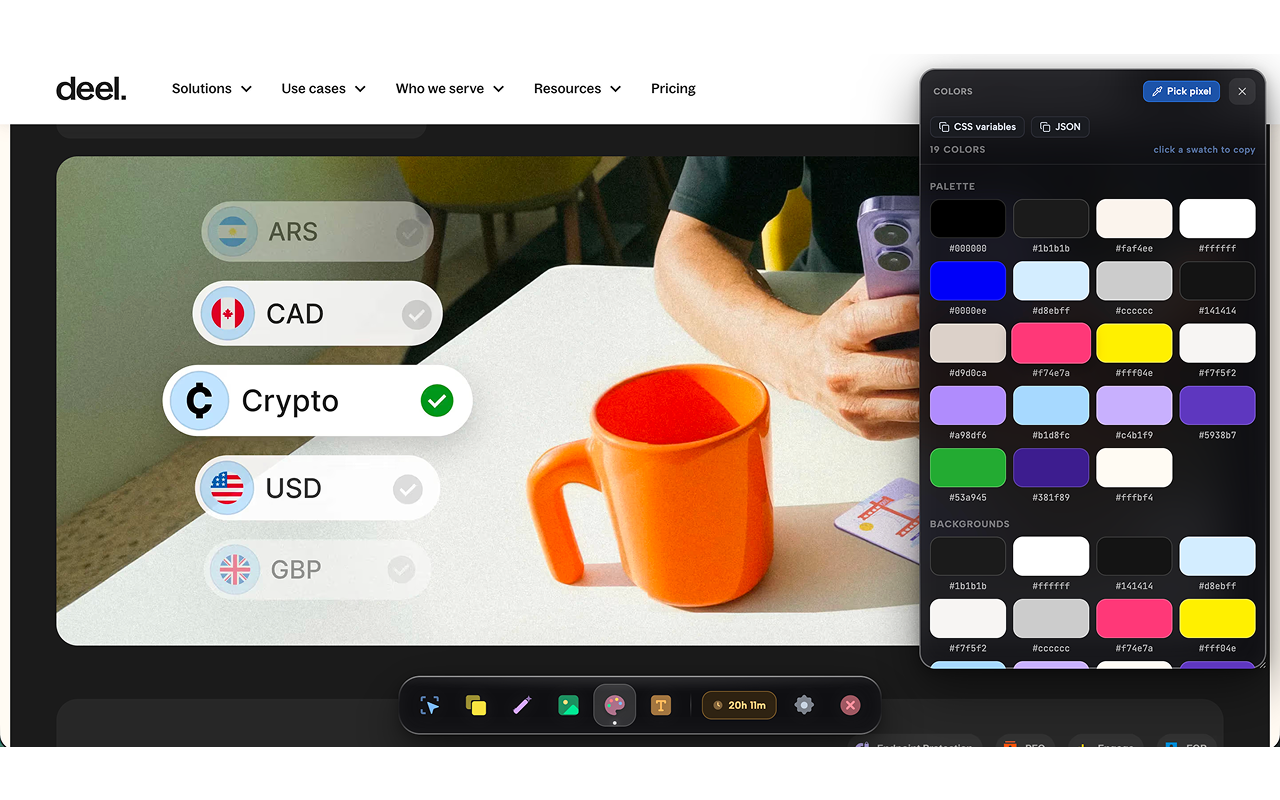
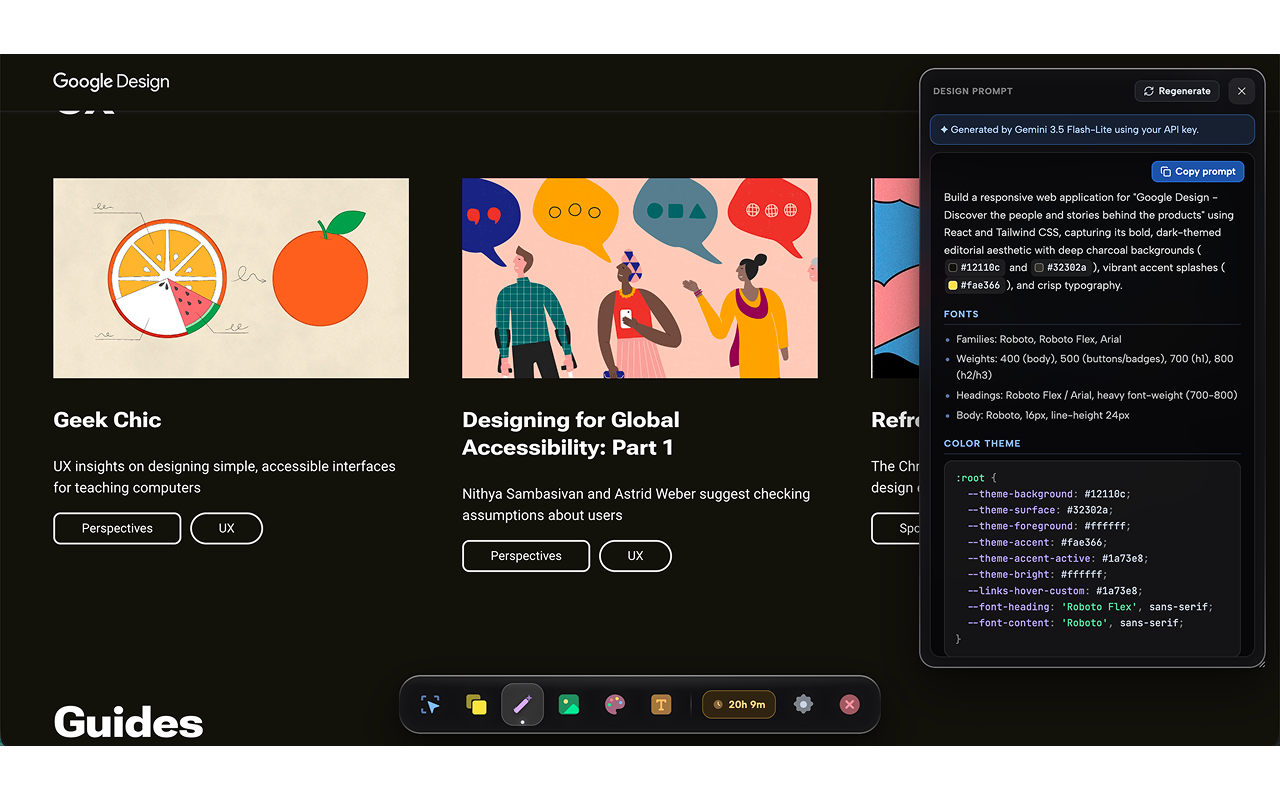
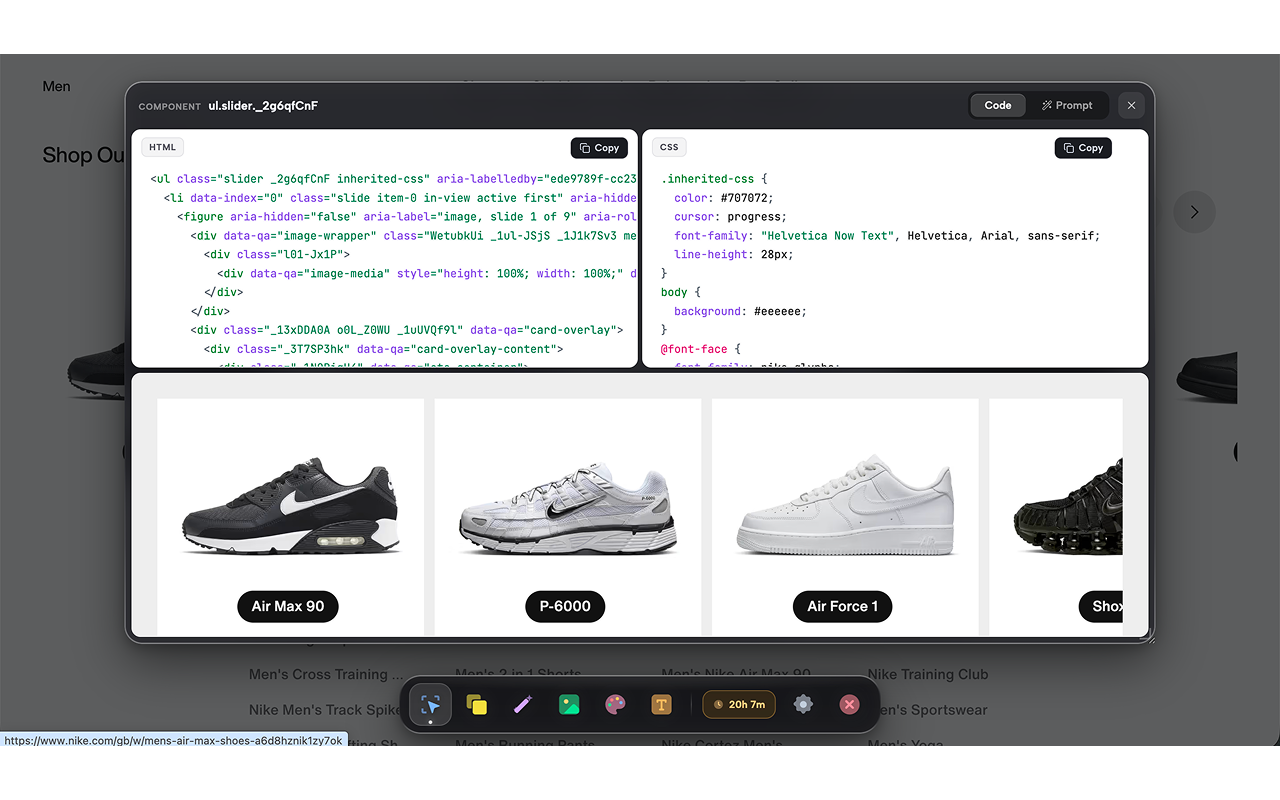
Picker.Design is a browser extension that extracts HTML, CSS, assets, and design data from any website directly in the user's browser. It adds a small dock to the page; the Pick tool lets the user hover over an element, click, and receive the element's markup together with the original stylesheet rules, preserving class names and variable references. Clone captures the entire page as a single HTML file with styles inlined and scripts removed, producing a self‑contained snapshot. Design‑to‑prompt scans the page for color palettes, typography, and component structures and outputs a JSON or LLM‑ready prompt. Extract Images gathers every raster image, background asset, and inline SVG, presenting a grid view and a downloadable ZIP. Inspect & Measure overlays a readable box model on any element, shows dimensions in a tooltip, and permits live CSS edits. Edit Text replaces visible copy in place, updating the DOM instantly. Extract Colors groups discovered colors by role and can export them as CSS variables or JSON. Detect Fonts reports family, weight, size, and line‑height on hover and offers CSS snippets or font file downloads. Swap Fonts applies any Google Font to the page, limited to headings, body, or all text, with a single click revert. Screenshot captures the viewport, full page (stitched from scroll), or a selected element, outputting a ready‑to‑use image. Move & Delete hides or drags unwanted page elements, with a reload to restore. All processing runs locally; no data is sent to external servers, and the extension works on Chrome, Edge, Brave, and any Chromium‑based browser. The product is sold as a one‑time license with lifetime updates for up to three browsers.
Have feedback for the maker?
Sign in to leave a review, report a bug, or suggest a feature.
Mohd Danish